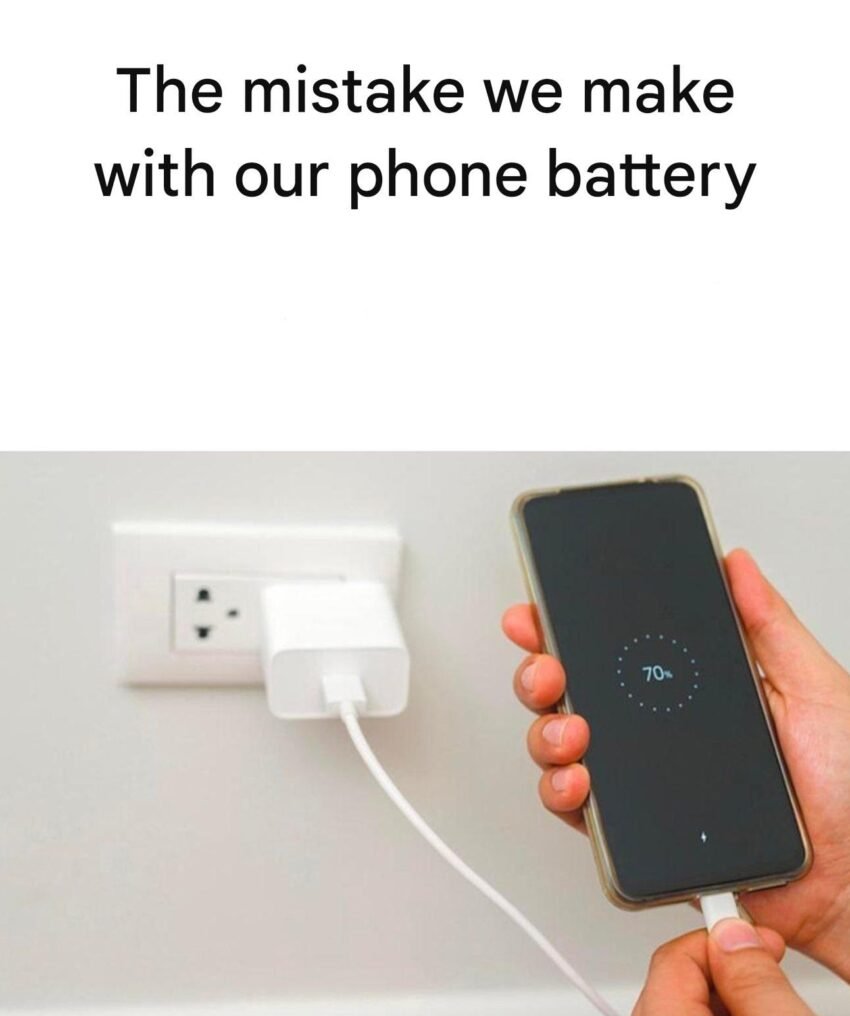
Here are the most common mistakes people make with their phones that cause fast battery drain, along with why they matter and how to fix them:
🔋 1. Keeping brightness too high
Mistake: Leaving screen brightness at max or using manual brightness.
Why it drains battery: The display is one of the biggest power consumers.
Fix:
- Turn on auto-brightness
- Lower brightness manually when indoors
📶 2. Poor network signal
Mistake: Using your phone in low-signal areas (basements, elevators, remote areas).
Why: Your phone constantly searches for a stronger signal, which uses extra power.
Fix:
- Turn on Airplane mode when signal is weak
- Use Wi-Fi when available
📍 3. Location services always ON
Mistake: Letting all apps access GPS all the time.
Why: GPS tracking runs in the background and drains battery.
Fix:
- Set location access to “While using the app”
- Turn off location for unnecessary apps
🔄 4. Background apps running constantly
Mistake: Not closing or restricting apps.
Why: Apps refresh data in the background (social media, email, etc.).
Fix:
- Limit background app refresh
- Close unused apps
🔔 5. Too many notifications
Mistake: Allowing every app to send notifications.
Why: Each notification wakes your screen and uses power.
Fix:
- Disable non-essential notifications
🔋 6. Charging habits mistakes
Mistake:
- Letting battery drop to 0% often
- Charging to 100% all the time
Why: This stresses lithium-ion batteries over time.
Fix: - Keep battery between 20%–80% when possible
🌡️ 7. Exposure to heat
Mistake: Using phone in direct sunlight or while charging heavily.
Why: Heat damages battery health and reduces efficiency.
Fix:
- Avoid heat
- Remove case while charging if it gets hot
🔌 8. Using fake/low-quality chargers
Mistake: Cheap or incompatible chargers.
Why: They can charge inefficiently and harm battery lifespan.
Fix:
- Use original or certified chargers
📱 9. Not updating software
Mistake: Ignoring system updates.
Why: Updates often include battery optimizations.
Fix:
- Keep your phone updated
🎮 10. Heavy apps & gaming
Mistake: Long gaming sessions or high-performance apps.
Why: These use CPU, GPU, and screen all at once.
Fix:
- Reduce gaming time or lower graphics settings
⚡ Quick tip:
If your battery still drains fast, check Battery Usage stats in settings to see which apps are the main culprits.
If you want, tell me your phone model and I can give specific battery-saving settings tailored to your device 👍